How to Create a Recurring Route

Written by Jenn Southan
Updated at July 27th, 2024
Step 1: Go to "Operations > Route Planner."
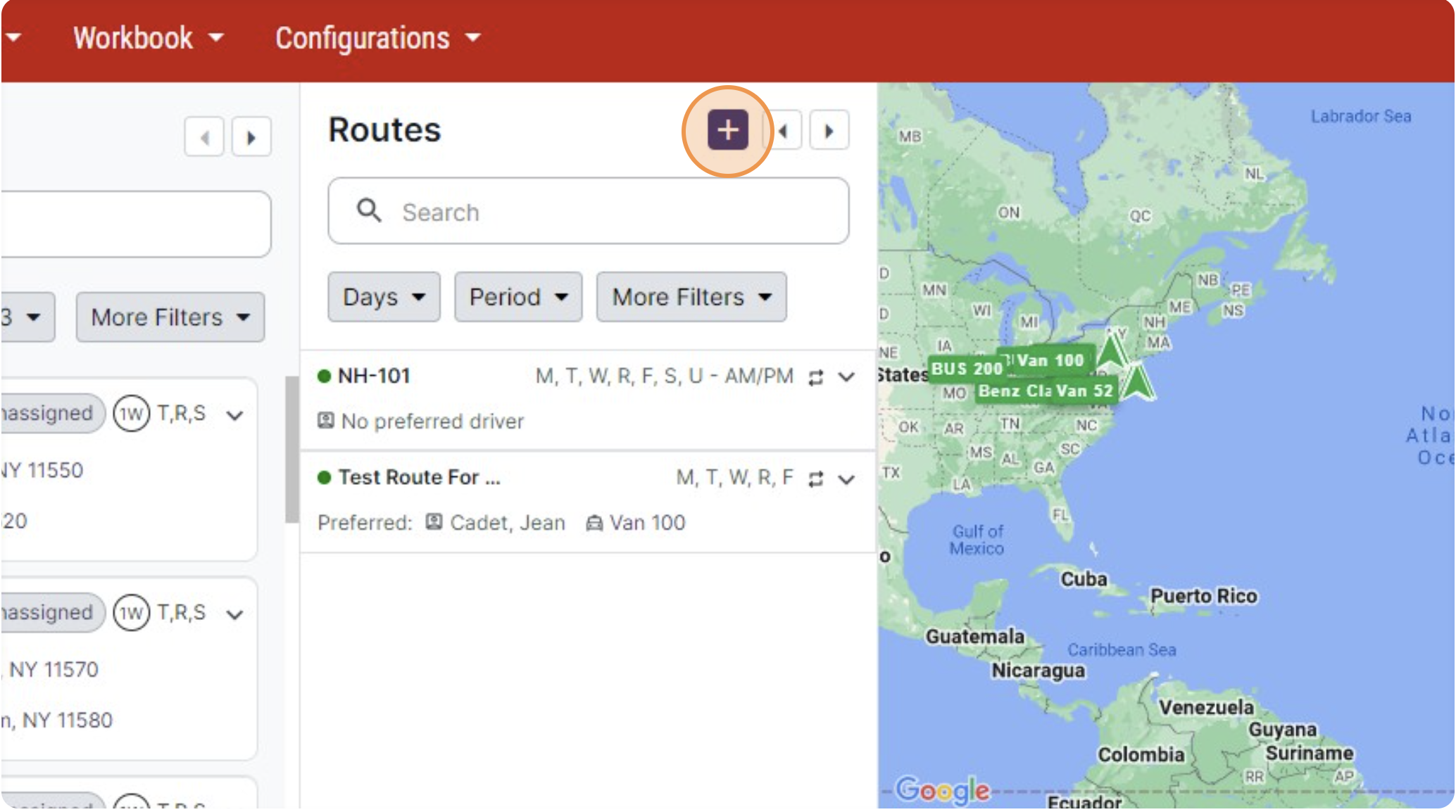
Step 2: In the “Route” pane, click the “+” icon.
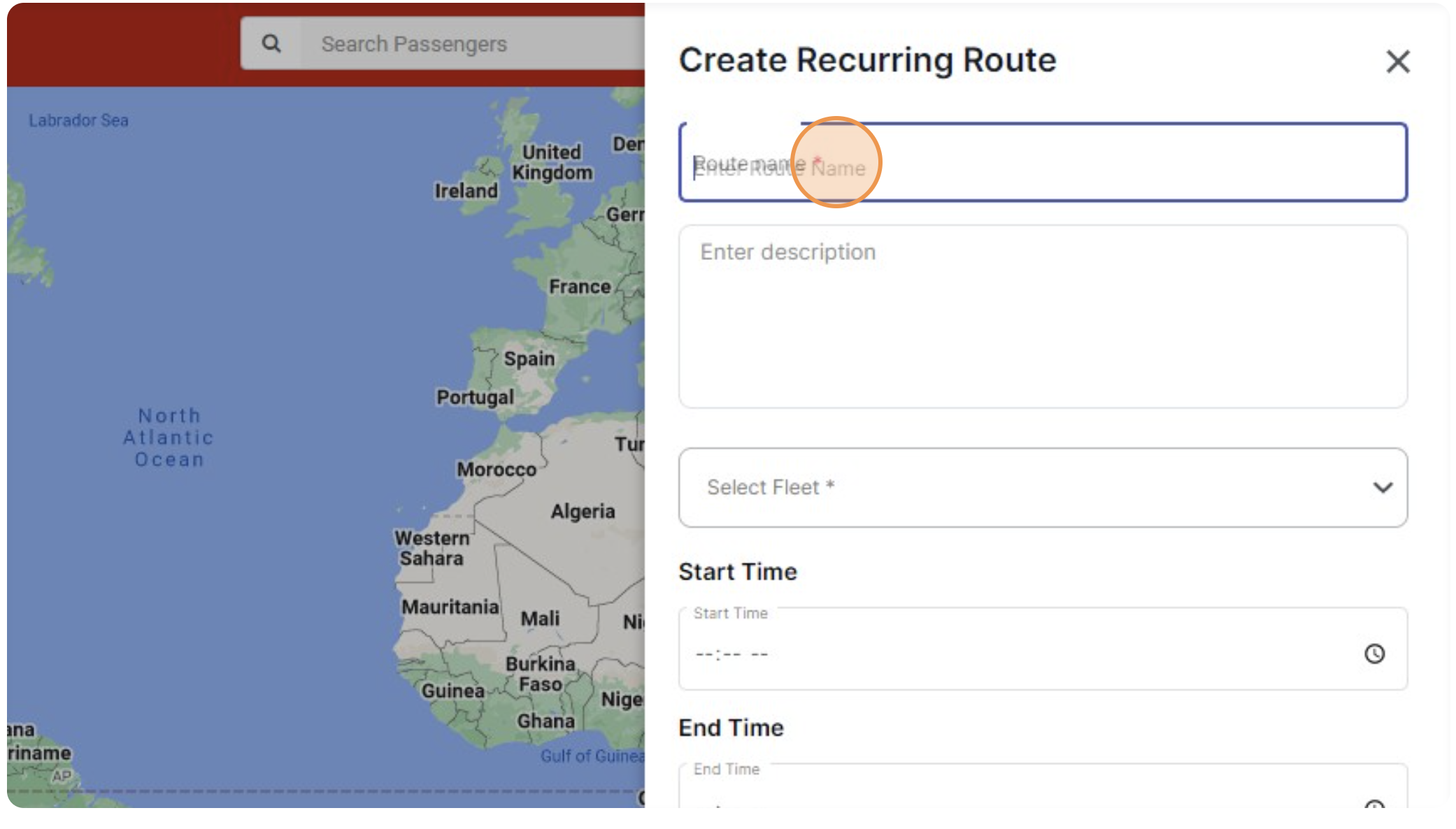
Step 3: Add details such as name, description, fleet, start and end time, and preferred driver.
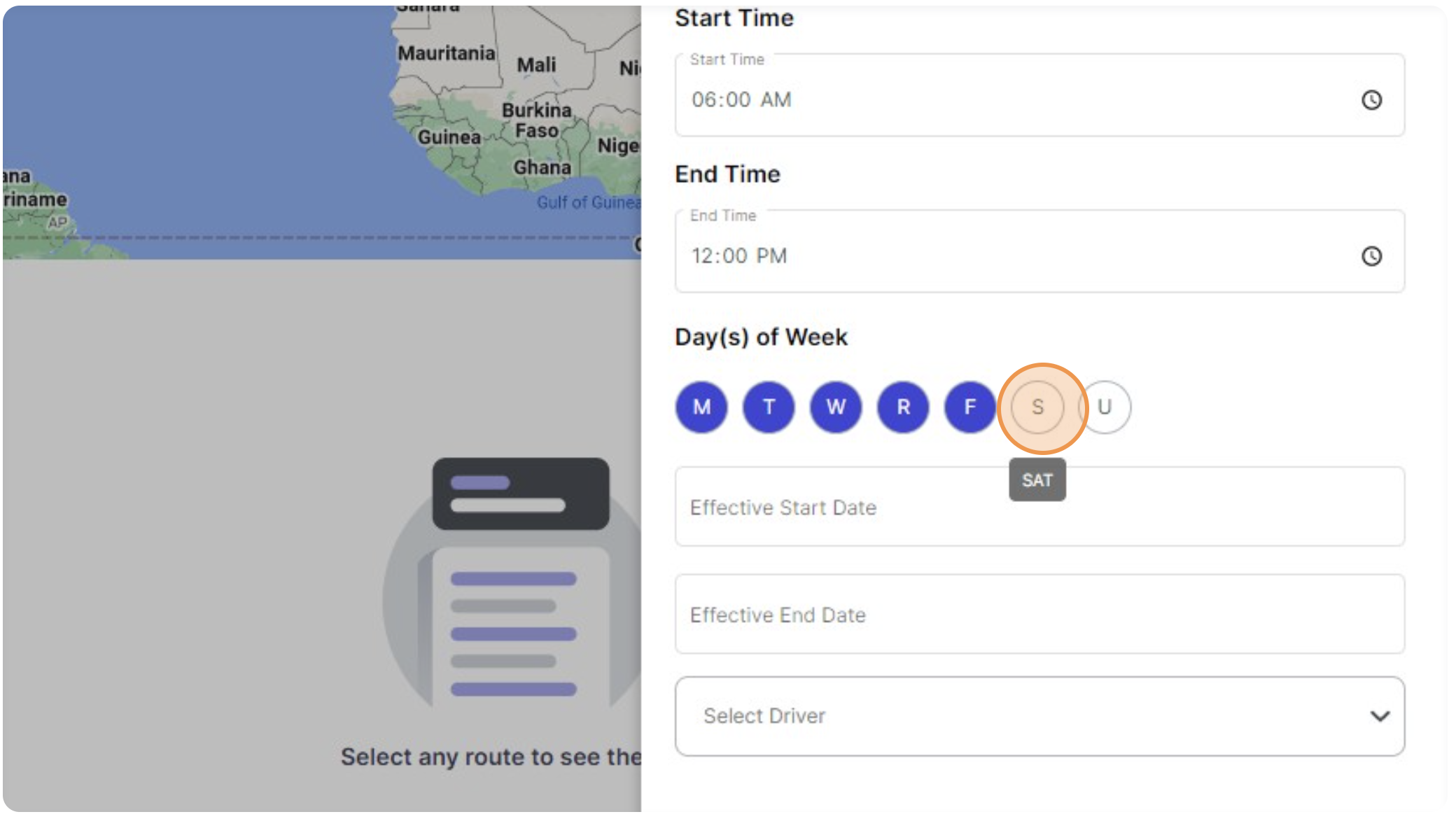
Step 4: Select days to repeat for the recurring route (you must have at least one repeated day).
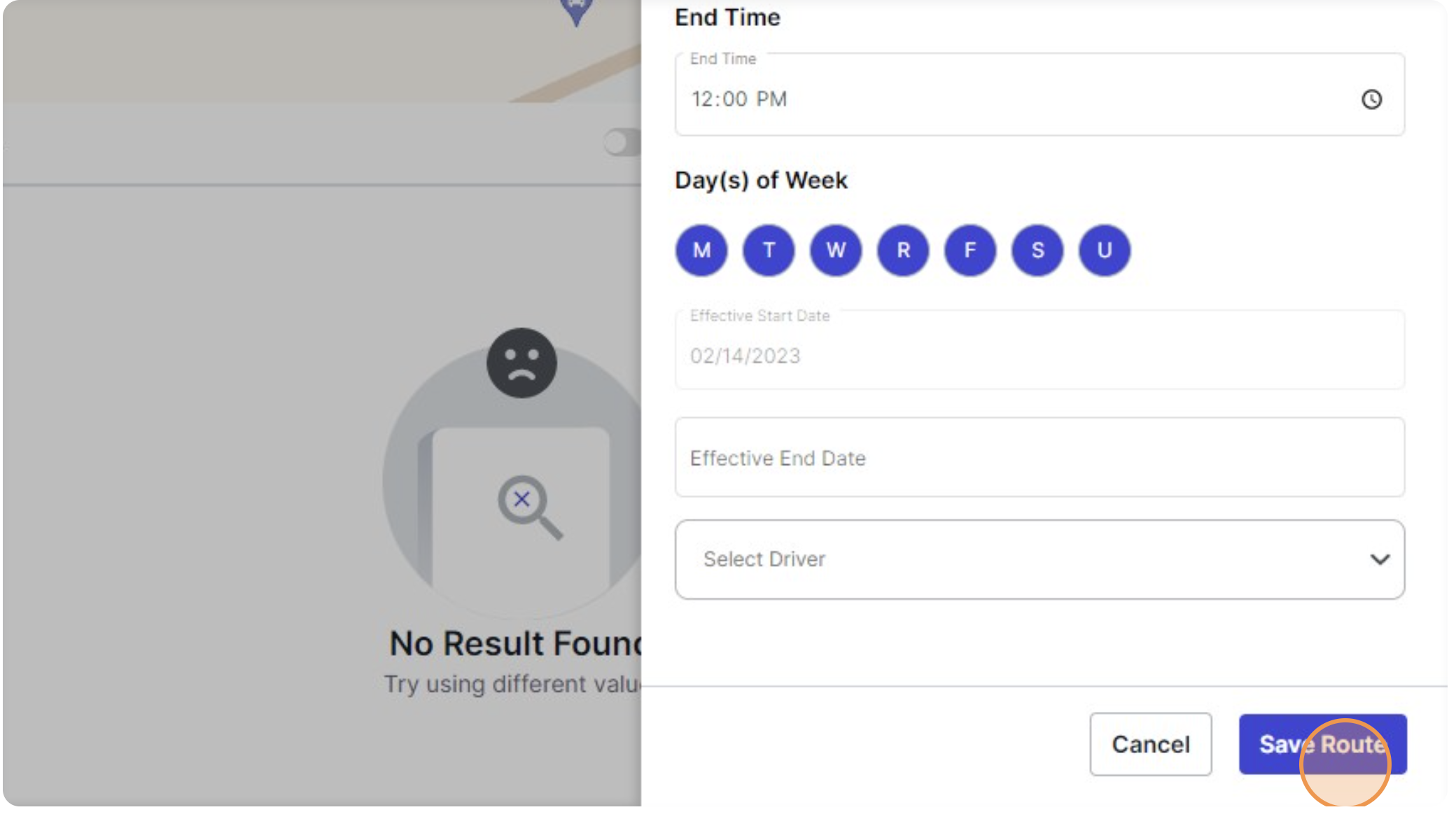
Step 5: Click “Save Route.”