Creating Fleets

Written by Jenn Southan
Updated at September 30th, 2026
Table of Contents
A Fleet represents a working entity within your Tobi account. It includes the drivers and vehicles that operate your business and can serve one or more Service Areas.
You can have multiple fleets within a single Tobi account. For example, if you operate multiple business entities, each with its own business structure, you can set each one up as a separate fleet.
Fleet Configurations
You can also configure certain settings at the fleet level, such as:
- Cancellation charges
- Invoice templates
- Other booking-related configurations
These settings can flow down to the account level, as well as applied to private pay bookings.
How to define a Fleet?
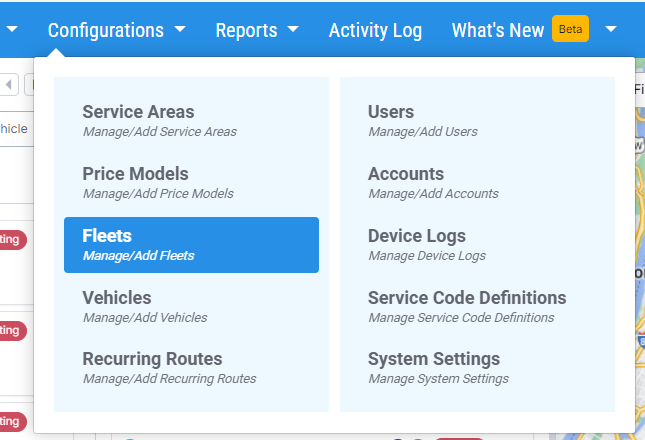
Log in to the application. Navigate to "Configurations > Fleets."
Click on Add New and Provide fleet details such as:
- Name (Legal Entity Name)
- Address
- Payment and Gateway details
- Click Save




